

Garmin Dash Cam App Setup and Troubleshooting Guide
Set up the Garmin dash cam app on Android or iPhone. Pair Mini 3, X310 and LIVE cameras, export clips, and fix Bluetooth, Wi-Fi or remote access issues.
Independent buying guidance • Practical product comparisons • Road-ready automotive advice
Find a useful starting point for dash cams, tire inflators, jump starters, car vacuums, electronics and tools. Our research-based guides explain the features, fit and limitations to compare before you buy.
By Auto Gear Pilot • Hub updated October 2, 2026
Explore the newest product articles, feature comparisons and practical buying checks from Auto Gear Pilot.
Set up the Garmin dash cam app on Android or iPhone. Pair Mini 3, X310 and LIVE cameras, export clips, and fix Bluetooth, Wi-Fi or remote access issues.

Garmin’s LTE dash cam combines 1440p recording with remote monitoring. Explore subscription examples, parked power requirements, video limitations, and alternatives.
Compare DEWALT DWMT73801, GEARWRENCH 80944 and TEKTON SKT15311 by inventory, drive sizes and storage. Build a car toolkit around real tasks.
Open a topic for model comparisons, buying checks and practical use guidance. Each guide covers a different job; there is no single best product for every driver.
For recording your journeys
Compare recording features, storage, parking mode and installation. Check how the camera is powered and whether the package includes the accessories you need.
Worth checking: Look for footage from the exact model, in daylight and at night.
For tire pressure top-ups
Compare power options, hose reach, pressure controls and the manufacturer’s tire-size limits. Choose around your vehicle and where you will use the inflator.
Worth checking: Maximum PSI alone does not tell you how long a tire top-up takes.
For compatible starting assistance
Compare battery voltage, documented engine-size coverage, charging and storage requirements. Confirm that the unit and the vehicle instructions allow your intended use.
Worth checking: Peak-amp numbers are only one part of the comparison.
For everyday cabin cleanup
Compare reach, attachments, filter care, power source and storage. Think about the mess you usually clean and the gaps you need to reach.
Worth checking: Check runtime claims and whether the stated setting matches normal use.
For useful in-car technology
Compare connections, phone compatibility, power requirements and installation. A useful feature matters only if the device works with your car and your setup.
Worth checking: Check the exact ports, software support and included cables.
For a practical maintenance kit
Compare socket sizes, drive sizes, storage and the included tool inventory. Start with the jobs you understand, then identify any separate equipment required.
Worth checking: A bigger piece count is not automatically a more useful kit.
1. Start with the same job. Write down the task, your vehicle and the conditions that matter. Compare products intended for that task.
2. Check the exact model. Similar names can hide different versions, bundles or regional specifications. Match the model number across the guide, manual and listing.
3. Compare useful evidence. Look for details tied to normal use, including how a test was carried out. Treat an unsupported headline number as a question to investigate.
4. Count the complete cost. Check required accessories, installation, replacement parts and return terms before deciding which option offers better value.
Keep the conditions comparable. When a published test is available, check the starting conditions, equipment, setting and model revision. A different recording mode, charging arrangement or package can change what the result demonstrates. If those details are missing, record the uncertainty instead of turning the number into a precise ranking.
Match ownership needs. Consider where the item will be stored, how often it will be charged or cleaned and the accessories needed to keep it usable. A compact travel kit and equipment for a fixed garage can be sensible choices for different routines. The number of features does not decide that fit on its own.
Separate optional extras. Put necessary installation parts and supported power accessories in the base setup. Treat features you may never use as optional. This makes it easier to compare two complete working arrangements rather than comparing a bare product with a bundle that includes everything.

Different sources answer different questions. A listed specification, a measured test result and one owner’s experience should not be treated as the same kind of evidence.
On a small screen, scroll the table sideways to read all three columns.
These guides were prepared with AI assistance using linked manufacturer information and published buying guides. We have not carried out our own hands-on product tests. Where another publisher reports a test, the result belongs to that source.
We compare documented features with practical buying questions: fit, setup, ease of care, accessories and limitations. Product guides link their sources so you can check the details. A manufacturer claim is described as a claim, and we do not invent ratings, test times or personal experience.
Before ordering, confirm the current model, seller, bundle and instructions. If you spot an error, send us the guide URL and the detail that needs checking.
Some guides link to Amazon or other retailers. If qualifying affiliate links are used, we may earn a commission at no extra cost to you. See our affiliate disclosure and about page.
Start with a narrower model comparison if you already know the category. Best Car Electronics compares the roles of a wireless adapter, charger and receiver; Best Portable Tire Inflators compares three power arrangements. Use those pages alongside the broader topic guide when checking the complete setup.
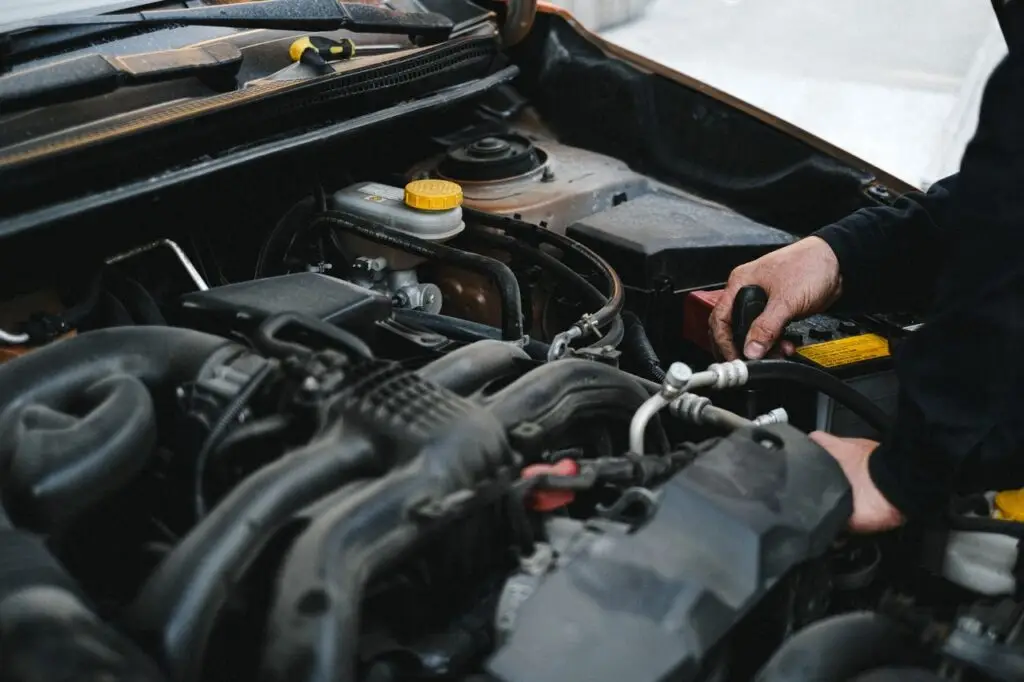
A stock photograph illustrates the subject and a tutorial illustrates a procedure for the model shown. Neither establishes that our site performed a road test, measured inflation speed or tested long-term durability. Look for the original source and the explanation of its role in the article.
If two descriptions conflict, compare the exact model suffix, regional page and current manual. A change in a seller bundle or software service may explain the difference. Report the specific statement and source when requesting a correction so the claim can be checked directly.
A tutorial can help you understand a device’s controls and connections. This example is “How to jump start using your NOCO Boost GB40”, published by NOCO on February 7, 2020.
It is a manufacturer demonstration for that model, not a 2026 review or a comparison test. Follow the current device and vehicle manuals for your setup.
Watch the original NOCO video on YouTube or open our jump starter guide for buying and compatibility checks.
This hub links to research-based guides for dash cams, tire inflators, jump starters, car vacuums, car electronics and car tools. Open a topic to compare model details, useful features, limitations and buying checks.
No. We have not conducted our own hands-on product tests for these guides. We use linked manufacturer information and published sources, and we do not present another publisher’s testing as our own experience.
Start with the same task and check the exact model numbers. Compare vehicle compatibility, documented features, useful test evidence, required accessories and the complete cost, then confirm the details on the current listing and in the manual.
No. A headline specification does not describe every part of normal use. Look at how a figure was measured, whether it applies to your task and what trade-offs come with the feature.
No. Prices, availability, sellers and included accessories can change. Confirm the exact product variant, bundle, delivery and return terms on the live retailer listing before buying.
No. The credited photographs on this hub are real stock photographs used to illustrate vehicle maintenance and driving. They are not photographs of our own tests or proof of a compared model’s performance.
No. A video’s publication date is stated when we feature it. The NOCO GB40 tutorial here was published on February 7, 2020; it is a manufacturer setup demonstration, not a 2026 review.
Use our contact page and include the guide URL, exact model and the detail that appears incorrect. A link to the current manufacturer information helps us check a correction.
Pick a topic above, shortlist the features that matter and check compatibility before you buy. A clear match to your task is more useful than a long list of impressive numbers.