Dash Cam Articles & Comparisons
Explore research-based dash cam articles. Compare camera coverage, parking power, storage and installation before choosing a setup.
This collection includes both buying comparisons and articles about a particular camera’s app or connected features. Start with the question you need answered: choosing recording coverage, understanding remote monitoring or setting up access to saved video. A broad buying guide and a model-specific troubleshooting article serve different parts of that research.
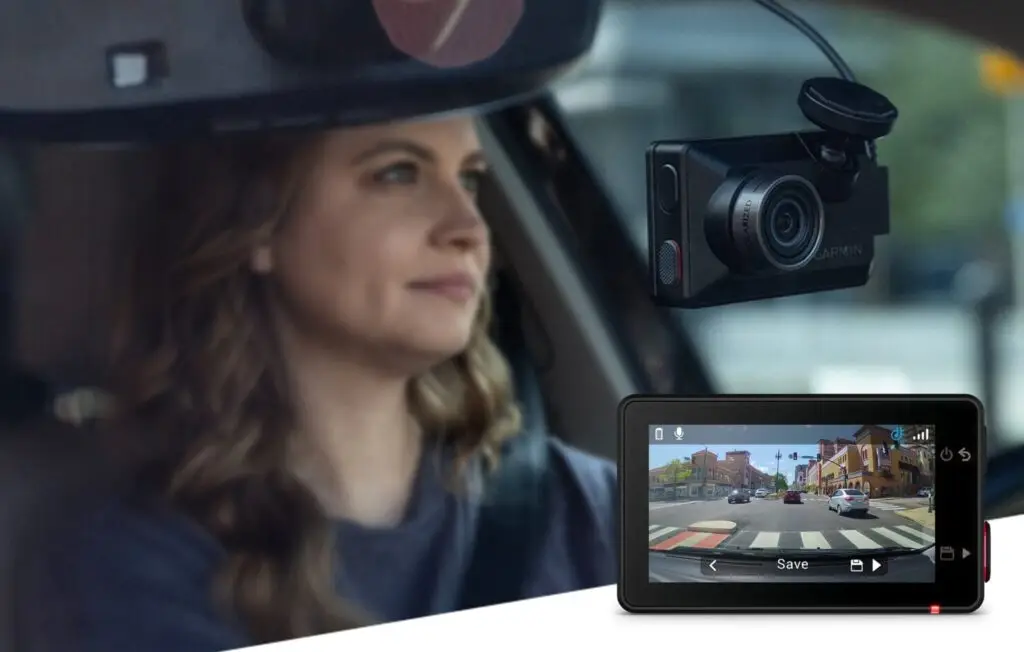
For a shortlist, open Best Dash Cams for Cars. For the Garmin models discussed on this site, the Dash Cam Live review examines connected features and service costs, while the app setup guide explains pairing and common connection questions. Check the exact supported model before applying instructions.
Before you choose
Start with the views you need: front, rear and cabin. Confirm memory-card requirements, rear-cable reach and the complete parking-power setup. Compare footage from the exact model; resolution alone does not guarantee readable details.
Coverage and footage: decide which views are useful for your driving or passenger needs. Look for samples that identify the camera model, recording mode and conditions. A scene in clear daylight is different from moving traffic at night or strong reflections through a windshield. Compare the evidence provided, rather than assuming a headline resolution answers every detail question.
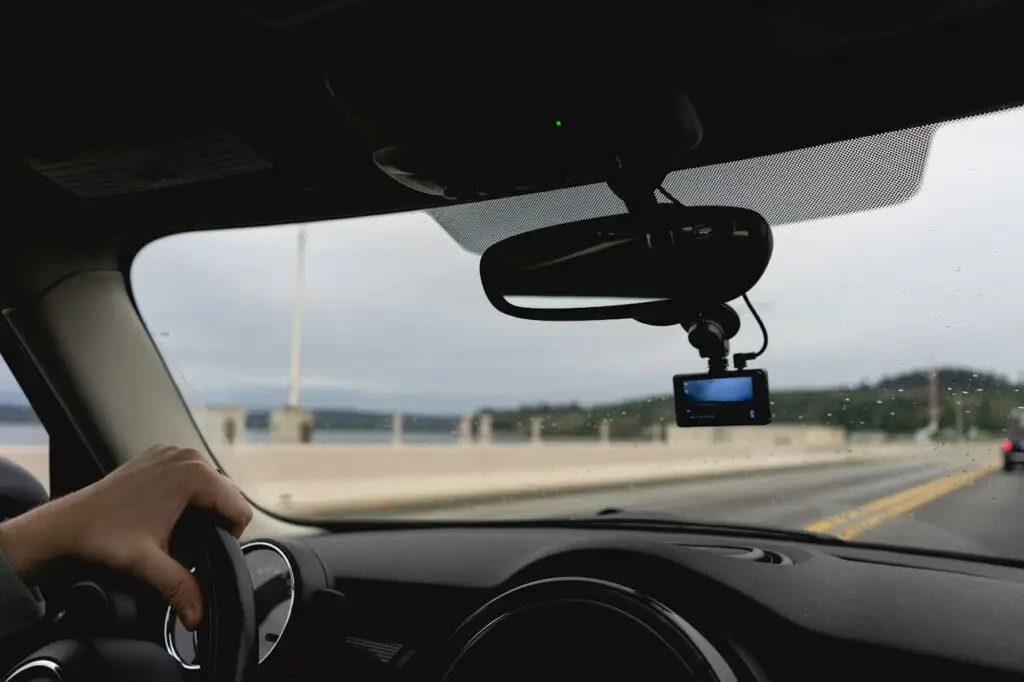
Power and installation: identify the route for front and rear cables, the mounting position and the power arrangement. Engine-off recording is a separate requirement from ordinary driving recording. Check the supported accessory, installation instructions and battery-protection requirements in the manufacturer’s documentation. Include missing fitting parts or professional installation when comparing cost.
Storage and access: read the memory-card requirements and the method for exporting an important clip. Local Wi-Fi, Bluetooth pairing and remote internet access have different roles. A wireless connection mentioned in a listing does not by itself establish that you can view the camera from another location. Connected services should be checked separately for supported features and ongoing costs.
Keep a complete shortlist: record the camera model, supported recording configuration, card requirement, power accessory and installation needs. Note which parts are included in the seller’s package and which are separate. This avoids comparing a bare camera with a bundle that already contains the fitting hardware.
Use the right article: a buying comparison helps you decide which documented setup to investigate. An app article helps explain a supported connection or file-access process. A review of connected features helps separate service requirements from ordinary local recording. Check those roles before applying information about one camera to another model.
Published articles
Common question
Do these articles describe your own road tests?
These articles use manufacturer documentation and credited external material. They do not claim hands-on testing by our site.
Our descriptions separate specifications, manufacturer demonstrations and credited third-party footage. If a statement depends on a service or firmware feature, read the linked documentation and check the current version. A review can explain the supported setup, but it cannot establish that every vehicle, phone or network will behave identically.
How we prepare these articles
We check manufacturer pages and manuals, explain limitations and credit third-party images and videos. Each article links to its sources. A listing here is not an invented test score or a claim that one product suits every driver.
Use each article’s source links to confirm the model, regional package and supported accessories. If a reference has moved or a feature description seems inconsistent with a current manual, send the page URL and the detail through our contact form. Browse the complete dash cam guide for a broader checklist before comparing products.